Feature Spotlight: The Calls Page for Managers
Every Call, One Page: The New Calls Page for Managers
The conversation between a homeowner and a loan officer is where a funded loan is won or lost. Until now, reviewing those conversations meant chasing files and piecing together context. Now, managers can review every loan officer call in one place in the Loansure platform.
The new Calls page puts the full call log, filters, recordings and transcripts on a single screen. It is built for one job: making call coaching faster and easier.
What's new
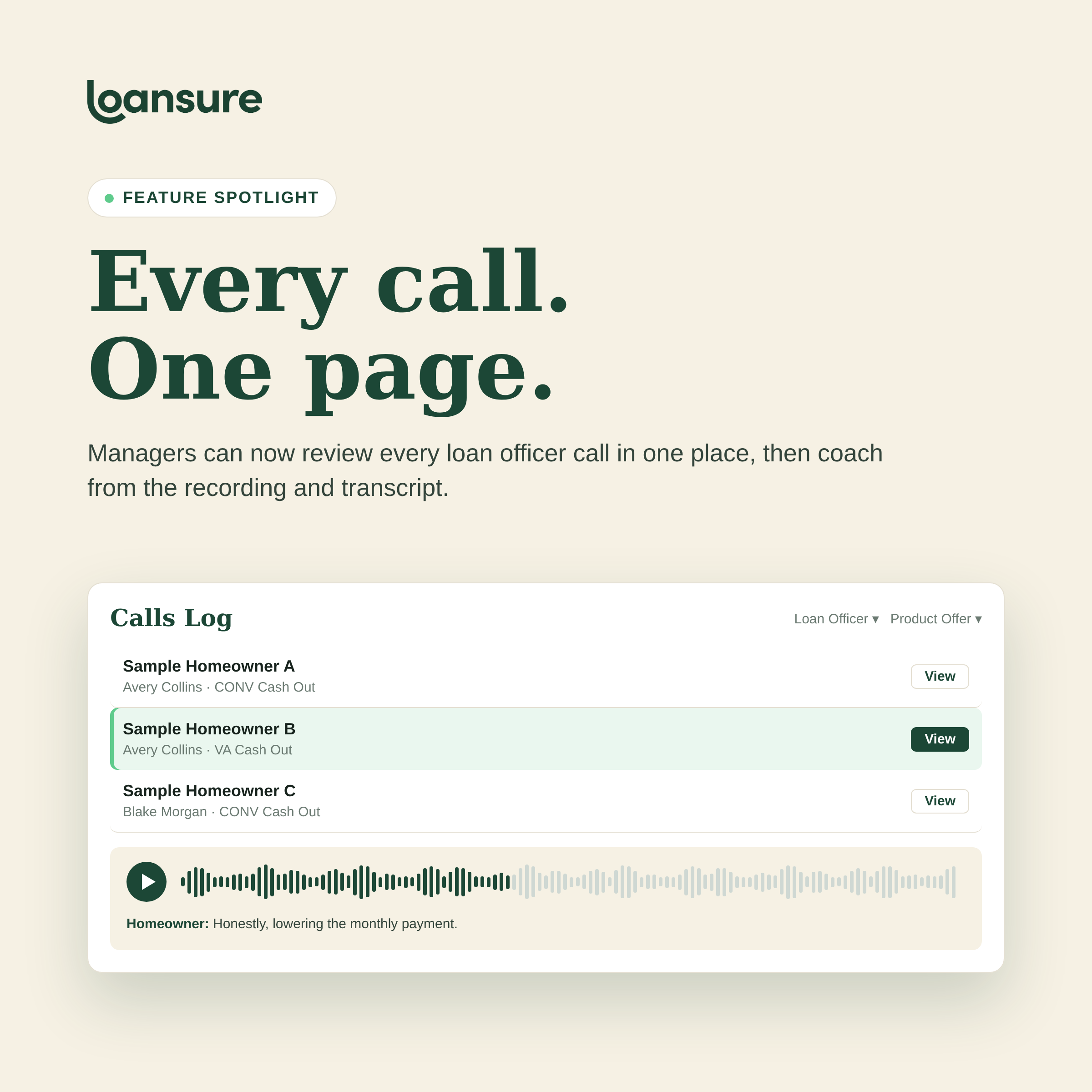
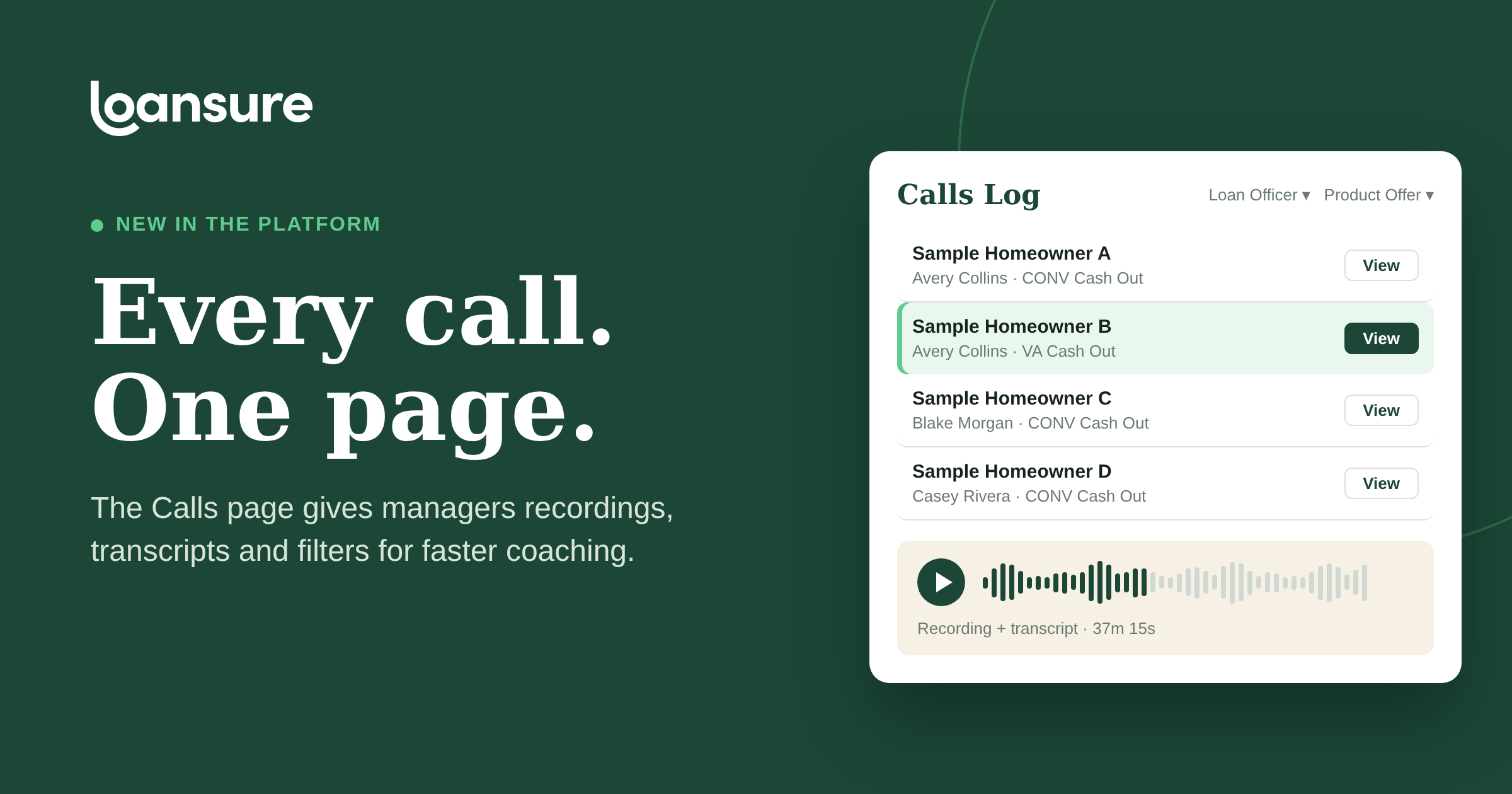
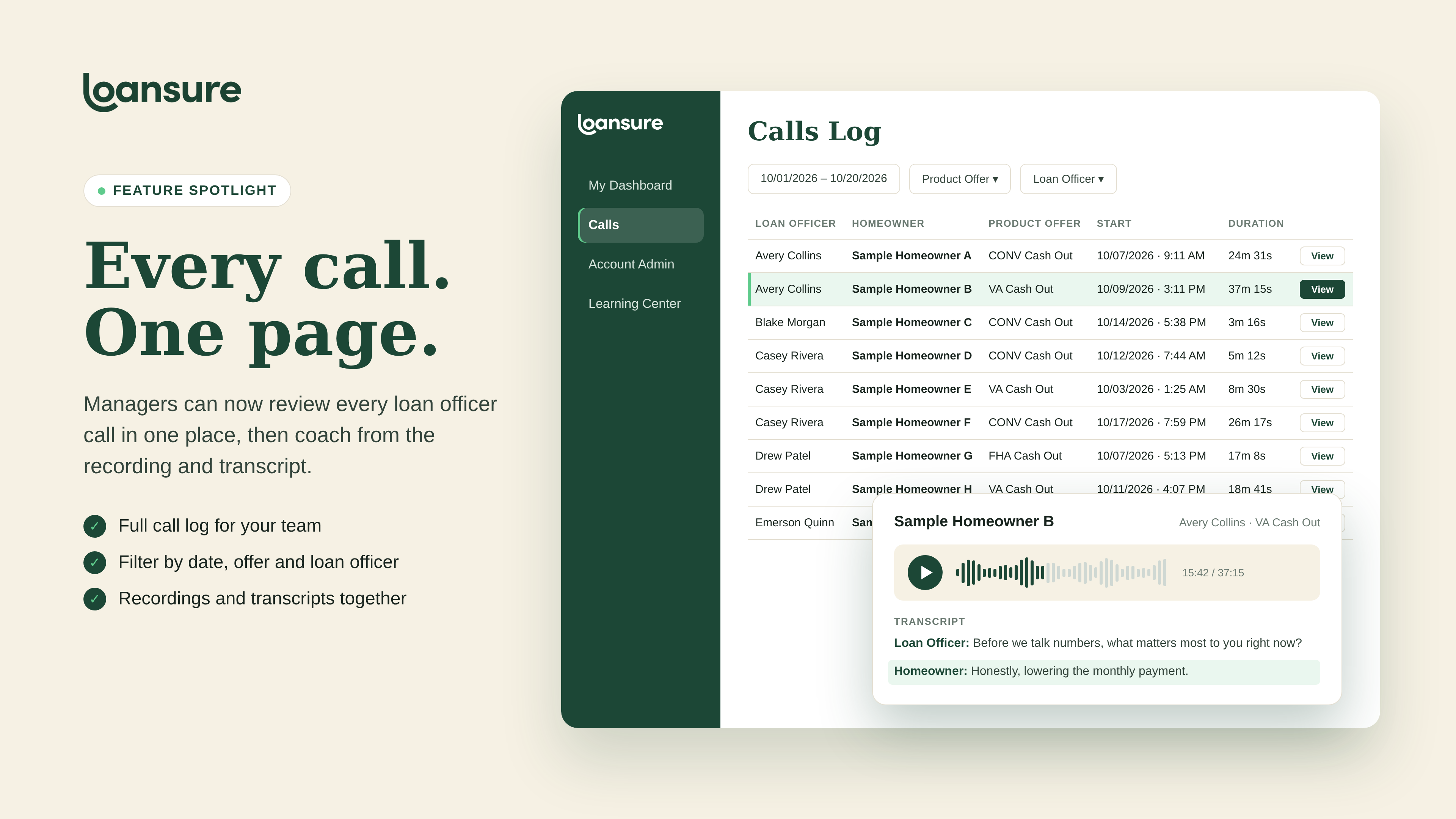
One log for every call. Select Calls in the left menu to see your loan officers' calls. Each row shows the homeowner, the product offer, the campaign date, the start time and the call duration.
Filters that match how you coach. Narrow the log by date range, product offer and loan officer. Review one loan officer's week, or see how a single offer is landing across the whole team.
Recordings and transcripts together. Select View on any call to play the recording and read the transcript. Everything you need for a coaching conversation sits in one place, with no hunting for files.
Why it matters for your team
Good coaching is specific: this call, this offer, this moment. The Calls page gives managers that specificity without the prep work.
- Faster prep. Pull up one loan officer's calls for the week in a few clicks, instead of searching across folders.
- Coaching by offer. Filter by product offer to compare how your team handles a VA cash-out conversation versus a conventional one.
- Read first, then listen. Skim a transcript to find what to discuss, then play the recording for tone and delivery.
- One standard across the team. Every manager reviews from the same log, so feedback stays consistent from one loan officer to the next.
Loansure measures success at the funded loan, not the lead. The call sits right in the middle of that path. The Calls page extends Loansure's call intelligence, the same system behind our call recordings, transcripts and AI-driven insights, so managers can see that moment clearly and coach to it.
How to get access
Managers need Call Management Access turned on. An admin can enable it under Permissions on the manager's Edit User page. Your Loansure Growth Team can also switch it on and walk you through the page on your next check-in.
See it in action
Already a Loansure client? Ask your Growth Team for a walkthrough of the Calls page. New to Loansure? Schedule a Demo at Loansure.ai.
Loansure — formerly Monster Lead Group. Same team. Same results. A smarter system.